Under the hood.
CleanDeck was built to be completely transparent. We don't hide our algorithms behind a shiny button. Here is exactly how our engine works to keep your Mac fast and safe.
Deep System Scan
CleanDeck doesn't just look at standard caches. It scans developer environments, hidden temp directories, and abandoned app states across the user-accessible locations of your Mac — always within macOS permission boundaries.
Deterministic Classification
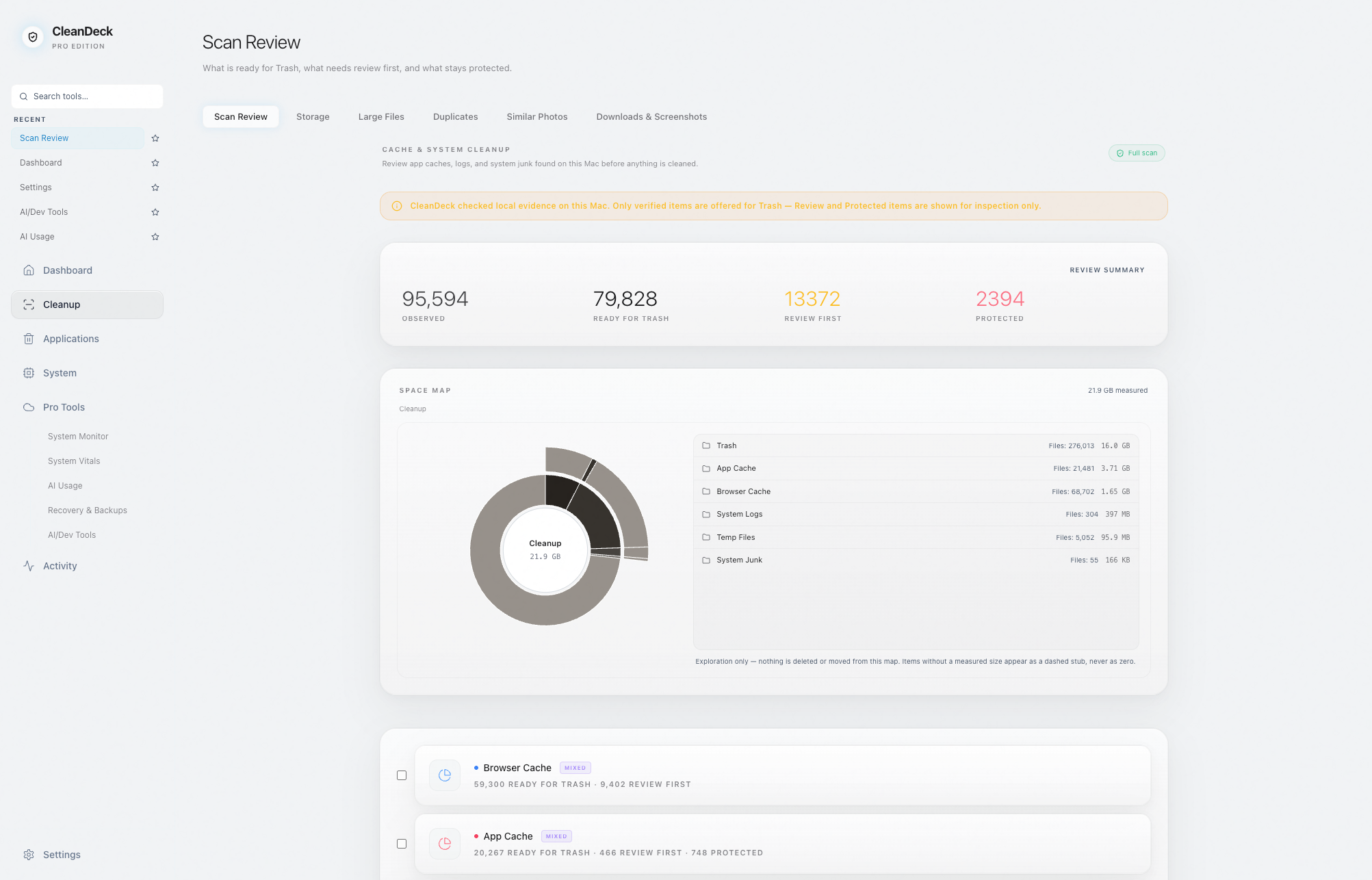
Every scanned item runs through a deterministic classification engine. It separates known SAFE artifacts from ambiguous USER data, enforcing strict PROTECT invariants around your system roots.
Trash-First Deletion
CleanDeck never uses permanent deletion for cleanup. Eligible actions go through the macOS Trash, so they remain reversible until you empty it.
Developer Tool Awareness
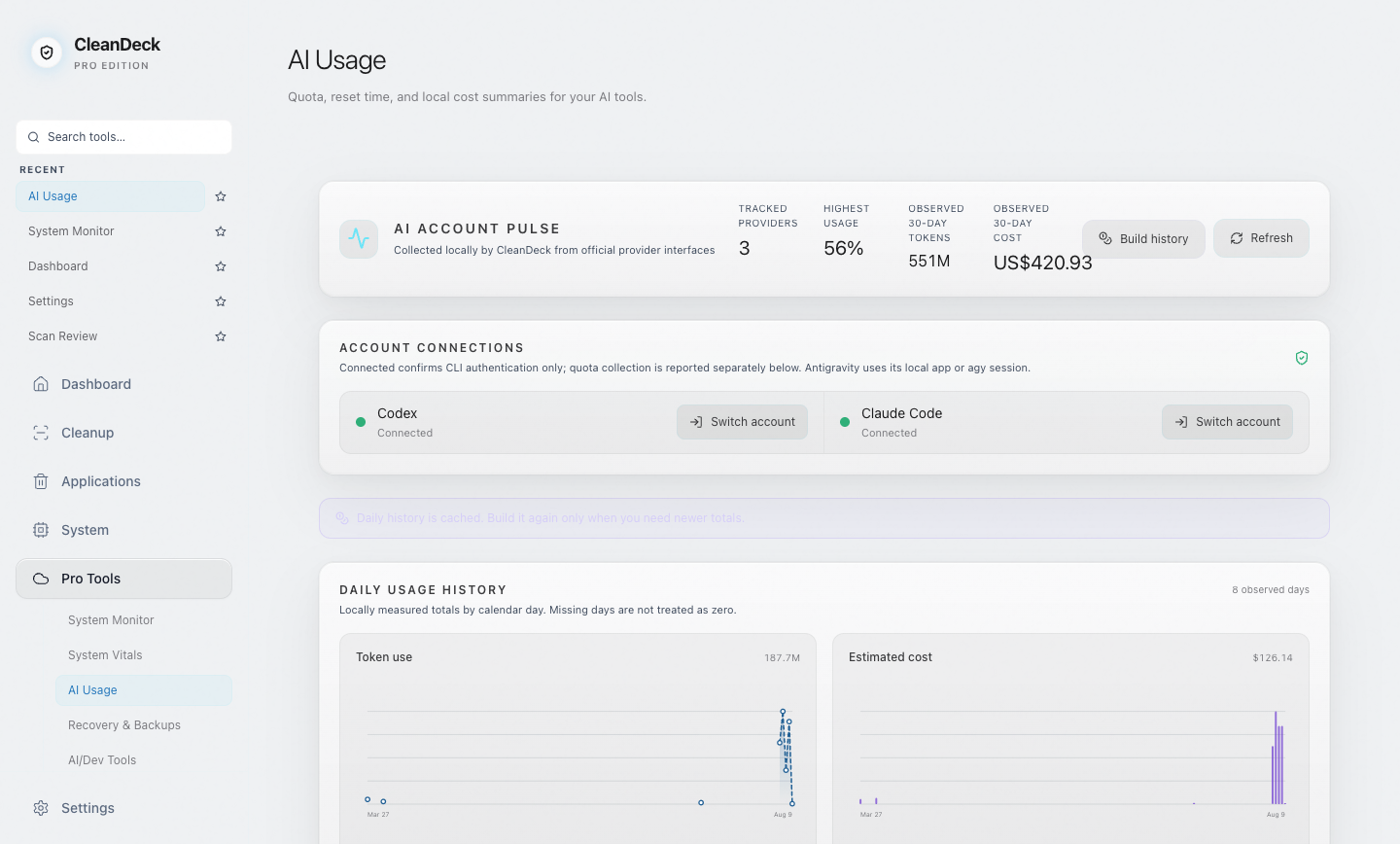
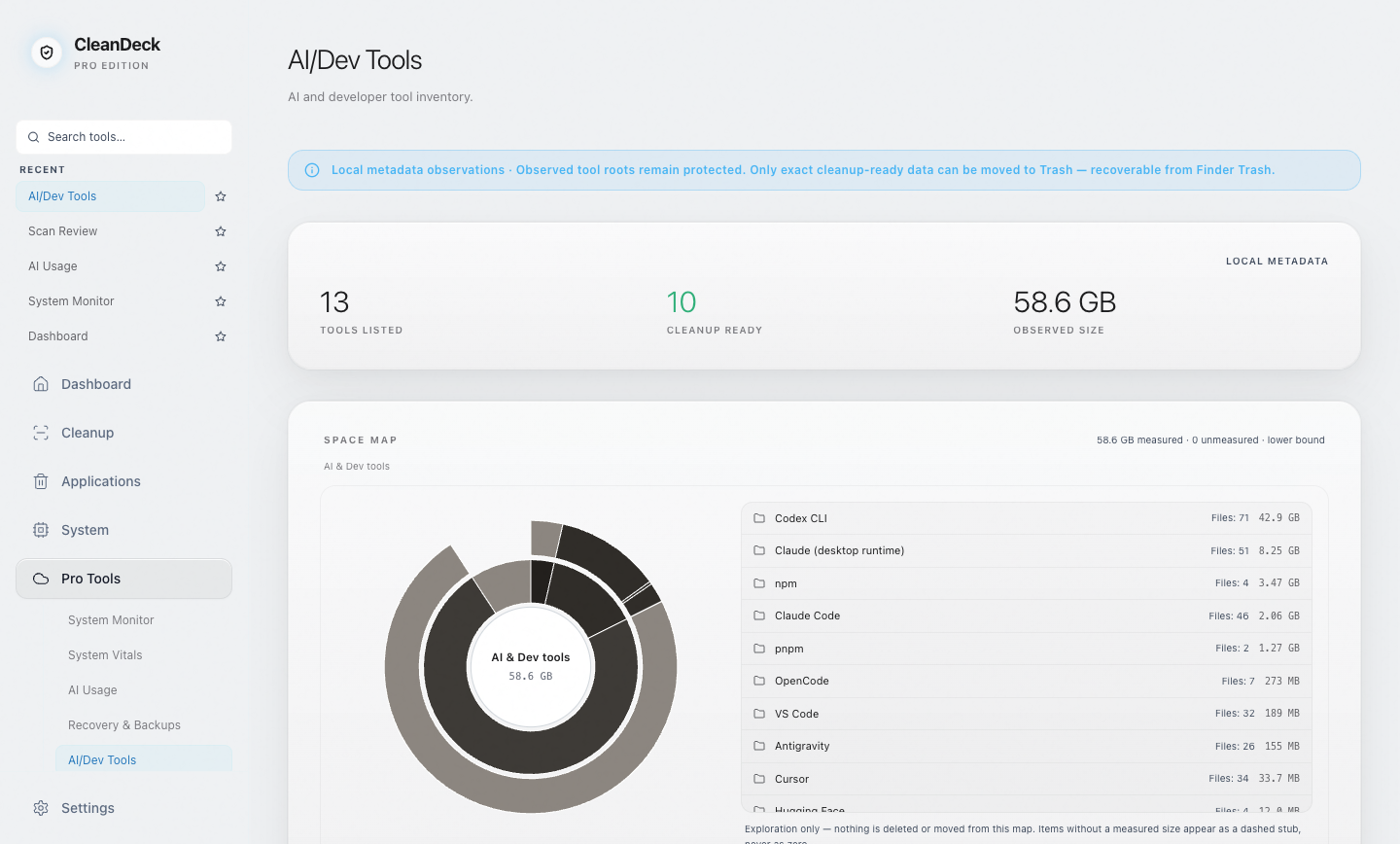
CleanDeck recognizes developer and AI tools and protects their working state. Settings, sessions, and downloaded models stay outside standard cleanup — only data it can verify as rebuildable is ever offered.
Honest Numbers
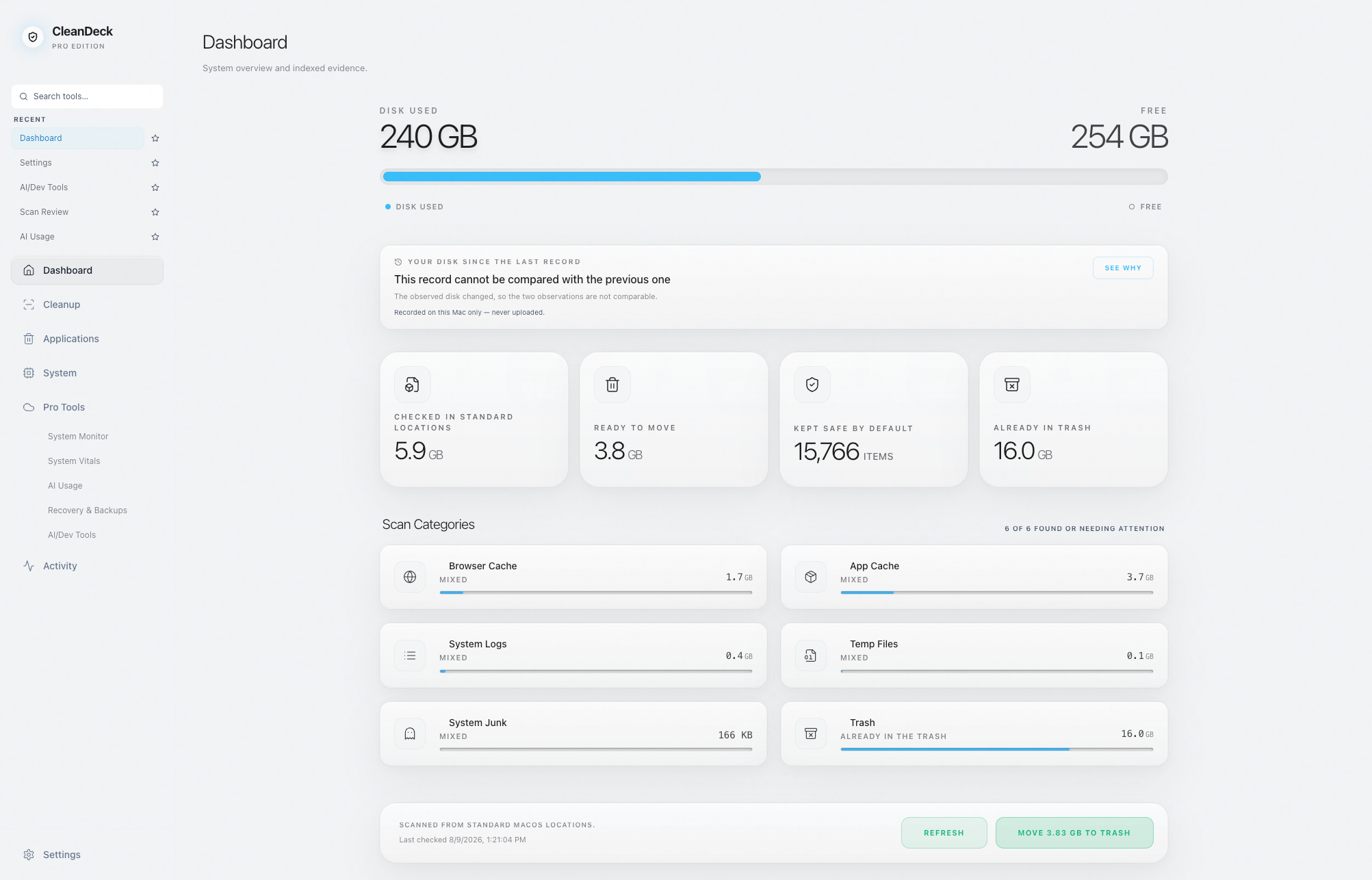
Exact figures, measured-so-far figures, and unmeasured areas are shown differently — and nothing CleanDeck couldn't observe is ever displayed as zero.
Action History
Every file CleanDeck moves is logged in a persistent Action History, so you can always see what was moved, when, and why.
Technical Specifications
| Target OS | macOS 12.0 (Monterey) and later |
| Architecture | Apple Silicon (arm64) |
| Deletion Path | macOS Trash (reversible until you empty it) |
| Privileges | Standard User (No Root Required) |
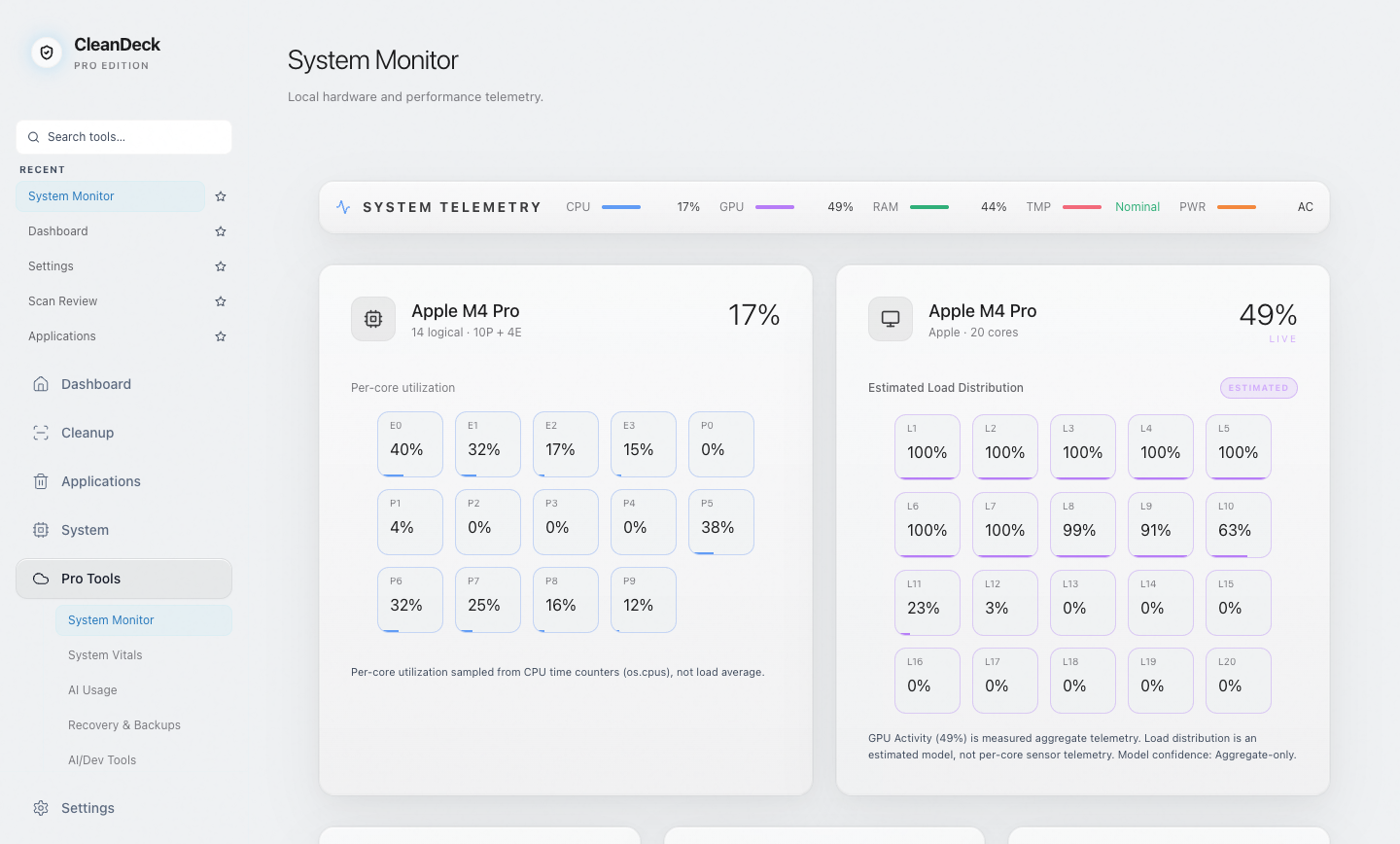
Seen for real.
Actual product screenshots — the same honest numbers you will see on your own Mac.